Owlect
All articles

Creating Your First Collection

How to create your very first collection in Owlect.

Create your first collection

After you sign in, you will see your dashboard. It will be empty at first — that's okay! Let's create your first collection.

Step by step:
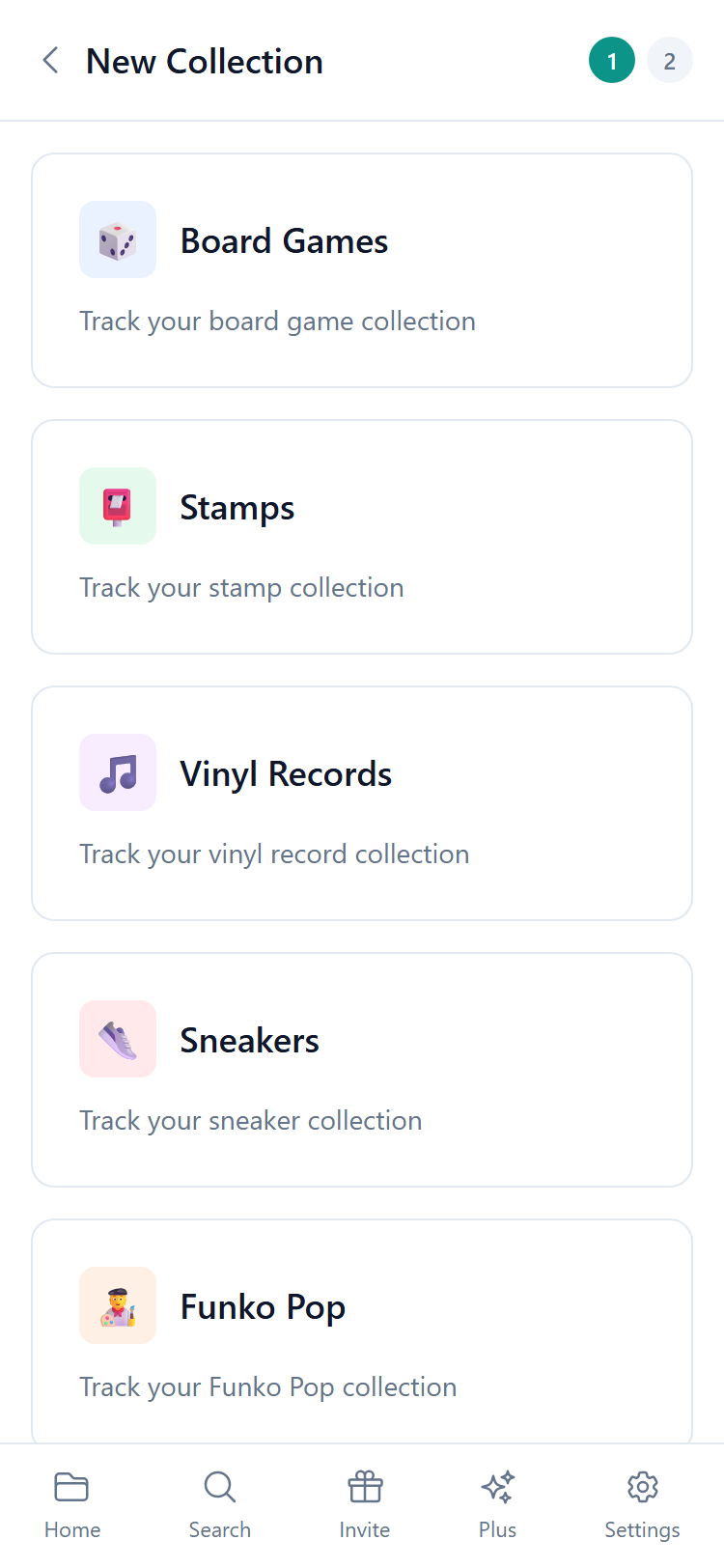
  • 1Tap the **"New Collection"** button
  • 2Pick a typeChoose what you collect. For example, "Dolls", "Board Games", or "Coins". If your collection does not fit any type, choose "Custom"
  • 3Give it a nameSomething like "My Doll Collection" or "Family Board Games"
  • 4Tap **"Create"**
  • New collection form

    What is a collection type?

    The collection type tells Owlect what kind of items you are tracking. This is helpful because:

  • Owlect can suggest **ready-made fields** for your type (like "Artist" for vinyl records or "Number of Players" for board games)
  • For many types, Owlect can **find information automatically** when you add items
  • Your collection gets a nice **icon** that matches the type
  • Can I change the type later?

    The type is set when you create the collection and cannot be changed later. But you can always create a new collection with a different type!

    What's next?

    Now that you have a collection, it's time to add your first item! Check out the "Adding Items" article to learn how.

    We use cookies for site functionality, traffic analysis, and personalization. We may share cookie data with marketing partners. Learn more